Apple Wallet
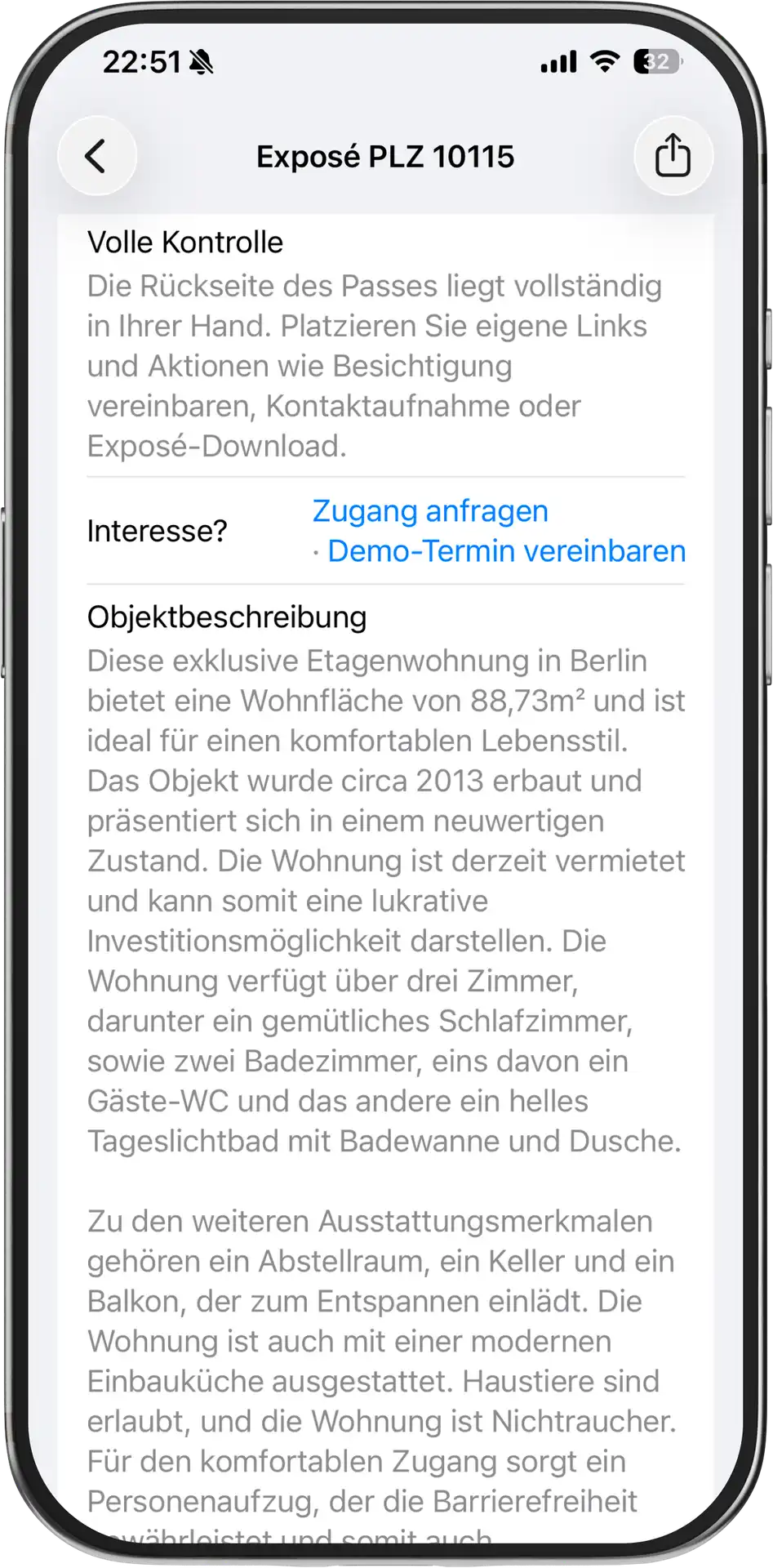
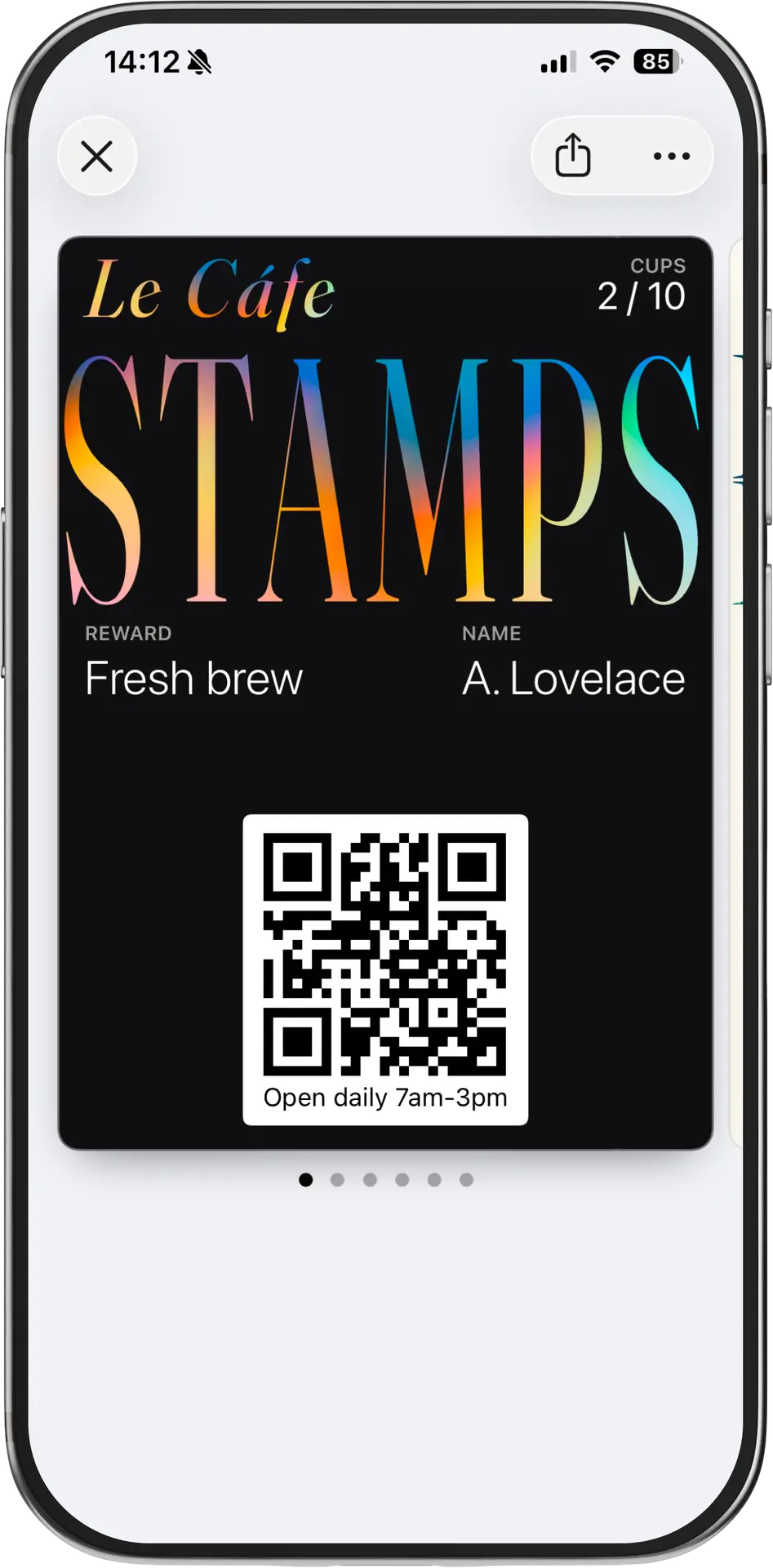
On iPhone, customers add a pass from a link, QR code, email, SMS, or web page. The pass then lives in Apple Wallet and can show live fields, barcode details, relevant dates, and updates.
Wallet passes are digital cards a customer can add without installing your app. Businesses use them for loyalty, memberships, coupons, gift cards, tickets, and custom verification or customer workflows.
On iPhone, customers add a pass from a link, QR code, email, SMS, or web page. The pass then lives in Apple Wallet and can show live fields, barcode details, relevant dates, and updates.
On Android, customers add the matching wallet pass to Google Wallet. The business logic can stay the same while the customer sees the native Google Wallet experience.
Your team manages the template, fields, issuing method, updates, redemption data, and lifecycle events from PassIssuer instead of maintaining separate customer apps.
A wallet pass is a tiny living document. It has a front, a back, a push channel, a geofence, a barcode and a webhook — and PassIssuer gives you a console for all of them.